QuickBooks Won’t Reconcile? Here’s Why
QuickBooks won’t reconcile when the bank shows one balance and QuickBooks shows another, and every report you run is affected.
- 5.0 on Google
- QuickBooks Online only
- No long-term contract
- Maxim Golubkov, CFO & QuickBooks ProAdvisor
Why QuickBooks won’t reconcile
It usually starts with one of these:
- Duplicate transactions from bank feeds
- Old uncleared checks and deposits
- Transfers recorded as income or expenses
- A changed opening balance from a past period
When reconciliation keeps coming up short
A reconciliation that's off, and grows each month.
You don't trust any report QuickBooks gives you.
Your books should match reality.
Reconciliation help from a QuickBooks ProAdvisor
Reconciliation problems usually start small and compound. It isn't a sign you did something wrong.
I went from dispatcher to CFO, and I work with each client directly.
How to fix a reconciliation that won’t balance
Diagnose
We trace the difference back to where it started.
Fix
We correct duplicates, transfers, and past-period changes.
Reconcile monthly
Every account reconciled every month, so it stays fixed.
Services that fix reconciliation problems
Catch-Up & Cleanup
Months (or years) behind? We untangle the mess, fix past errors, and bring your books current, without judgment.
Learn moreMonthly Bookkeeping
Every transaction categorized, every account reconciled, and clean financial statements in your inbox each month.
Learn moreQuickBooks Online Setup & Training
Start right with a QuickBooks Online file built for your business: chart of accounts, bank feeds, and rules that save hours every month.
Learn moreUnreconciled vs. reconciled books
Left as is
- Taxes based on wrong numbers
- Cash you think you have but don't
- Errors that compound every month
Once it’s fixed
- Books that match the bank to the penny
- Reports you can trust
- No surprises at tax time
Common questions
Can you fix reconciliations from past years?
Yes. That's part of our catch-up and cleanup work.
Why did my opening balance change?
Usually someone edited or deleted a transaction in a period that was already reconciled. We find and fix it.
Is there a long-term contract?
No. Monthly service is month-to-month. We earn your business every month.
Why don’t you list prices?
Because every business is different and deserves focused attention. A two-truck operation and a 20-employee restaurant need very different things. After a free consultation, you get a flat monthly quote, in writing, based on what your business actually needs.
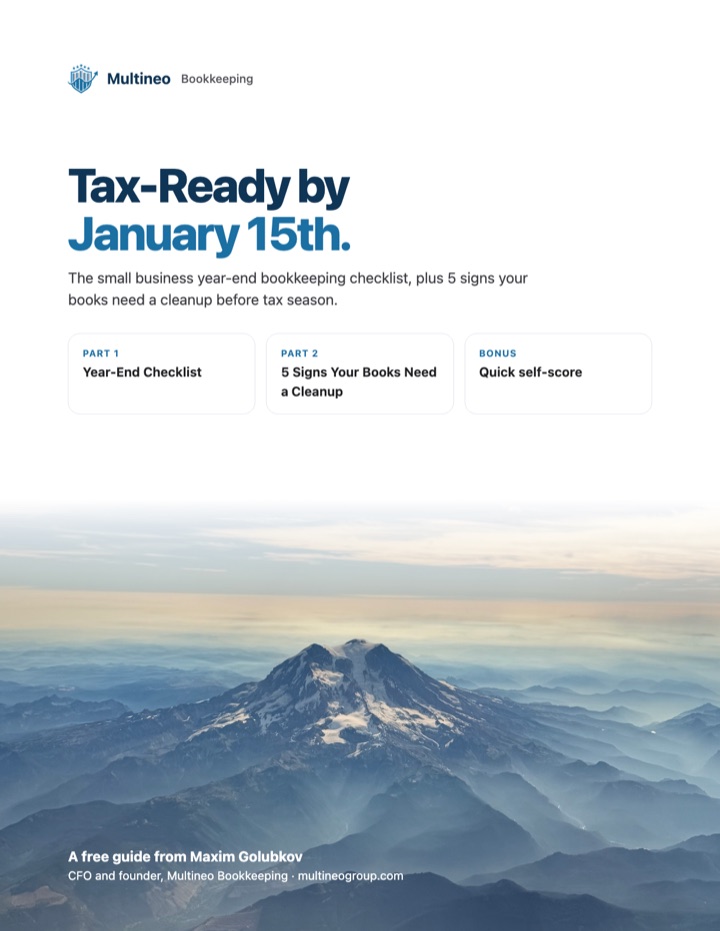
Tax-Ready by January 15th.
A free 6-page guide for small business owners: the year-end bookkeeping checklist, plus 5 signs your books need a cleanup.
- 30-item year-end checklist
- 5 warning signs, with a fix for each
- Key dates: Dec 31, Jan 15, Jan 31
Talk to Max.
Tell me about your business and I’ll call you, usually within one business day.
- Direct line(360) 383-5593
- HoursMon–Sat, 8 am – 5 pm